
In 2026, businesses face a new reality—manual processes are out, and automation is in. Enterprise workflow automation tools are no longer optional, but a vital driver of productivity and digital transformation.
This article dives into the top 8 platforms shaping the future of enterprise efficiency. We will explore standout features, pricing, and use cases to help you find the right fit.
Discover how leading organizations are leveraging these solutions to streamline operations and achieve measurable ROI. Ready to transform your workflows? Let’s compare the best options for your success in 2026.
The Evolving Landscape of Enterprise Workflow Automation in 2026
In 2026, the world of enterprise workflow automation tools is moving faster than ever. Organizations are rethinking how work gets done, tapping into new technology to stay ahead. Let us break down the trends, benefits, challenges, and best ways to evaluate these powerful tools.
Key Trends Shaping Workflow Automation
Several trends are redefining enterprise workflow automation tools in 2026. First, AI-powered automations and intelligent agents are becoming the norm, enabling organizations to automate complex decisions and processes. The demand for low-code and no-code platforms continues to surge, as businesses seek rapid deployment and flexibility. For a deeper dive into this movement, explore No-code platforms for enterprise workflows.
Integration is also critical, as companies need automation that connects legacy systems with modern cloud-native apps. With rising concerns about data privacy, compliance (including SOC 2), and security, organizations are prioritizing these factors when choosing enterprise workflow automation tools. Lastly, the need for scalable, real-time, and event-driven workflows is growing, supporting faster and more responsive business operations.
Benefits and ROI of Workflow Automation in Modern Enterprises
The main goal for adopting enterprise workflow automation tools is to drive tangible business value. Automation reduces manual errors, cuts operational costs, and accelerates time-to-market. Teams experience better cross-departmental collaboration and transparency, making it easier to align on goals and deliver results.
Real-world examples show measurable gains, such as a 70 percent faster process completion rate according to industry benchmarks. Enterprises leveraging automation have seen significant increases in productivity and efficiency, ultimately improving their bottom line.
Challenges and Considerations for 2026
While the promise of enterprise workflow automation tools is great, challenges remain. Balancing flexibility with security and compliance is a top concern, especially for global organizations. Change management and user adoption can be difficult at scale, requiring careful planning and communication.
Integrating automation with diverse tech stacks and APIs is another hurdle, as is ensuring solutions can scale for worldwide operations. Additionally, enterprises must watch out for vendor lock-in and assess customization capabilities to ensure long-term success.
How to Evaluate Workflow Automation Tools
Choosing the right enterprise workflow automation tools requires a strategic approach. Key criteria include integration capabilities, scalability, security, and ease of use. Look for platforms with customizable templates, pre-built connectors, and robust API support.
Both technical and non-technical users should be able to build and manage workflows. Vendor support, quality documentation, and an active community are also essential. Leading enterprises often select tools based on proven ROI, adaptability, and the ability to evolve as business needs change.
Top 8 Enterprise Workflow Automation Tools for 2026 Success
Choosing the right enterprise workflow automation tools can accelerate digital transformation, improve productivity, and future-proof your organization. In 2026, the landscape is more competitive and innovative than ever. Below, we dive into the top 8 platforms that stand out for their features, pricing, and real-world impact.
Big House Technologies
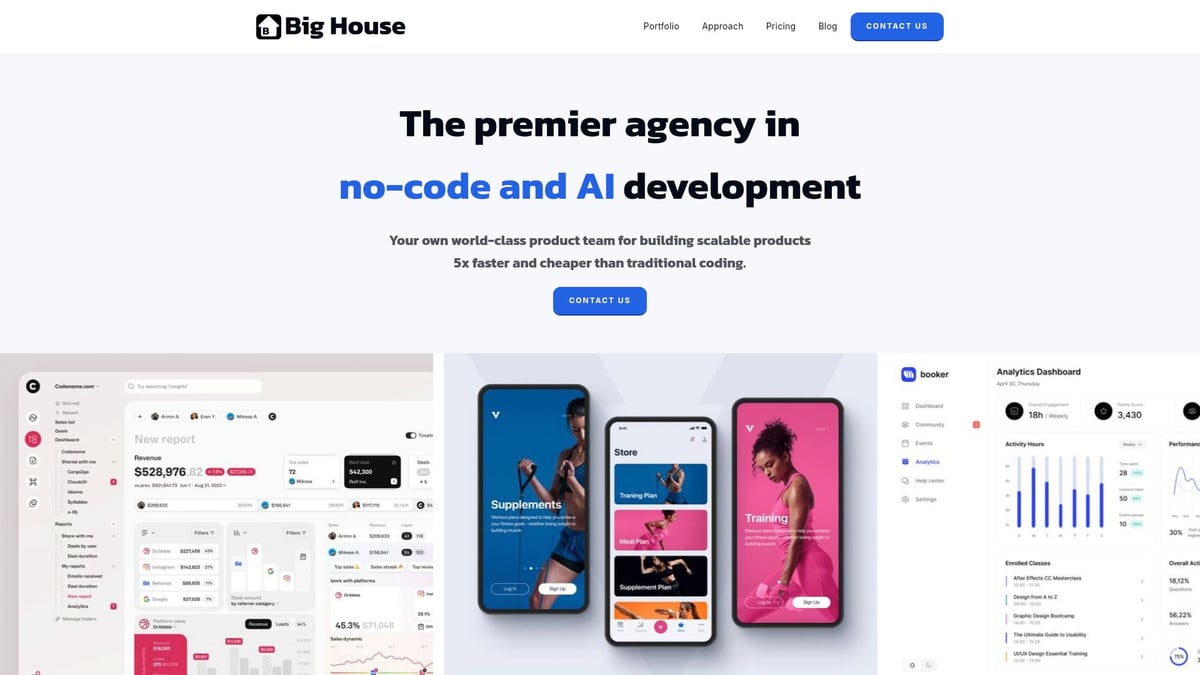
Big House Technologies leads the pack among enterprise workflow automation tools for 2026. Their flexible pricing offers Basic, Growth, and Enterprise plans, with custom quotes for large-scale deployments.
Core Features:
- End-to-end no-code app development
- AI integration and workflow automation
- MVP launches and rapid prototyping
- UI/UX design services
- Extensive QA and testing
Key Benefits:
- Build software up to 5x faster
- Reduce costs by 3-4x compared to traditional dev
- Highly scalable, from startups to large enterprises
- Deep client collaboration and ongoing support
- Rigorous quality assurance for every project
Target Audience:
Enterprises and startups seeking rapid, cost-effective, and scalable workflow automation.
Use Cases:
- Internal tool development
- Process automation across departments
- Custom app creation
- Fast MVP launches
Pros:
- No-code and AI expertise
- Speed and affordability
- Flexible engagement models
- Proven enterprise track record
Cons:
- May not suit organizations with highly specialized or legacy-code requirements
Unique Selling Point:
Combines no-code speed with enterprise-grade AI automation and an end-to-end partnership approach.
For a deeper dive into how no-code automation can drive ROI and streamline internal processes, see the Benefits of no-code for internal tool development.
n8n
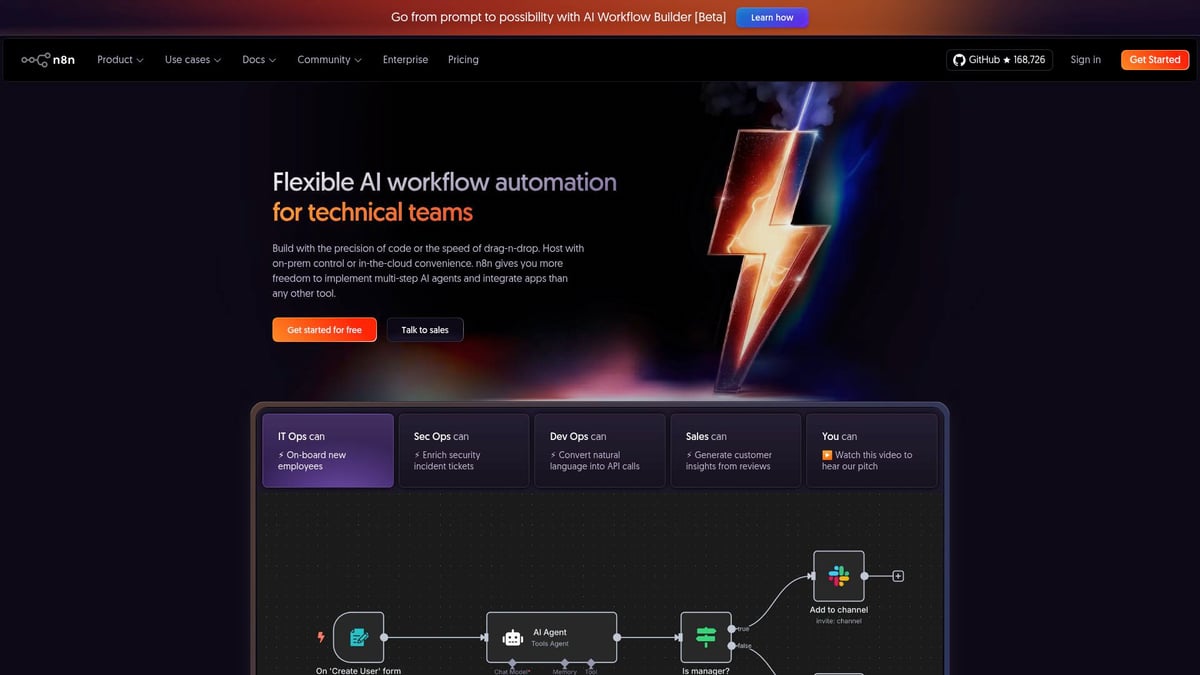
n8n is a standout in the world of open-source enterprise workflow automation tools. Its flexible pricing includes a free open-source tier, paid cloud plans, and custom enterprise packages.
Core Features:
- 800+ integrations and connectors
- Self-hosting or cloud deployment
- Advanced security with SOC 2 compliance
- Granular access controls and RBAC
- AI workflow support for intelligent automations
Key Benefits:
- Complete workflow ownership
- Highly customizable for technical teams
- Robust DevOps integration
- Strong community support
Target Audience:
Enterprises needing flexibility, deep security, and technical control over automations.
Use Cases:
- IT operations and security workflows
- AI agent orchestration
- CRM and ERP automation
- Embedded automation for SaaS products
Pros:
- Open-source transparency
- Self-hosted or cloud options
- Extensive integration ecosystem
Cons:
- Steeper learning curve for non-technical users
- Advanced features require technical expertise
Unique Selling Point:
Auditable source code with limitless integrations, perfect for complex enterprise workflow automation tools needs.
Stacksync
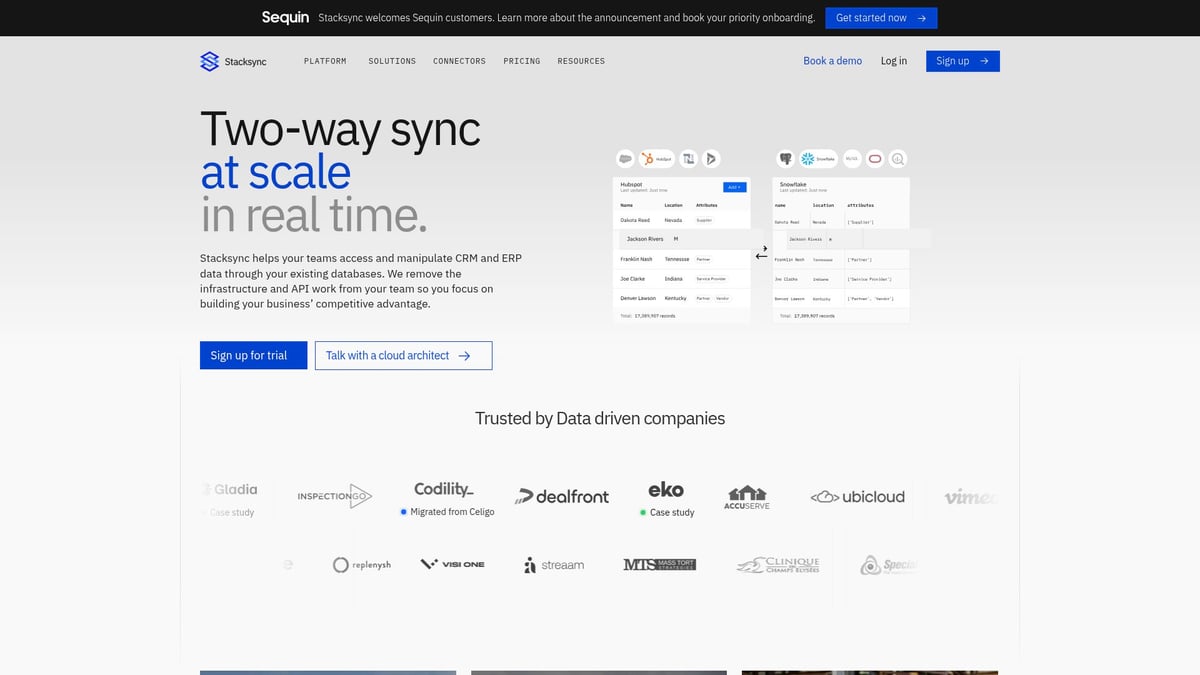
Stacksync is engineered for enterprises prioritizing real-time data and process automation. Pricing is tailored for custom, large-scale deployments.
Core Features:
- Real-time two-way data sync across systems
- Workflow automation with event-driven triggers
- API management and orchestration
- Version control and configuration as code
- Advanced logging and monitoring
Key Benefits:
- Sync millions of records in minutes
- Automate processes across cloud and on-prem environments
- Issue management and root-cause analysis built-in
Target Audience:
Large enterprises with complex integration and automation requirements.
Use Cases:
- CRM, ERP, and SaaS integration
- Real-time ETL pipelines
- Cross-system data synchronization
Pros:
- Handles high-volume, mission-critical workflows
- No-code and pro-code flexibility
- Scalable to millions of executions
Cons:
- May be more than smaller organizations need
Unique Selling Point:
Ultra-fast, reliable sync and automation for enterprise workflow automation tools in mission-critical environments.
Zapier
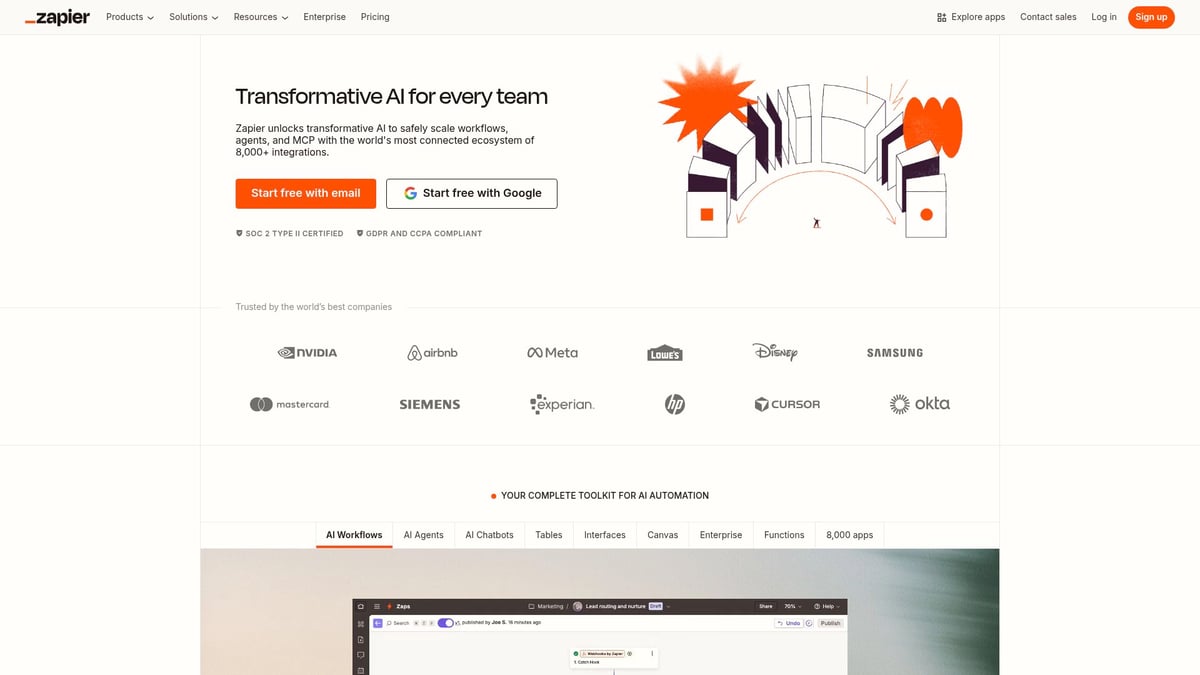
Zapier is a household name in enterprise workflow automation tools, democratizing automation with its intuitive platform. Pricing starts with a free tier, with paid plans from $19.99/month and enterprise options.
Core Features:
- 6,000+ app integrations
- No-code workflow builder
- Multi-step automations and conditional logic
- Team collaboration tools
Key Benefits:
- User-friendly for non-technical staff
- Vast app ecosystem for rapid deployments
- Quick onboarding and minimal setup
Target Audience:
SMBs to large enterprises wanting fast, easy automation without IT bottlenecks.
Use Cases:
- Marketing and sales automation
- Lead management
- Cross-app data synchronization
- Automated reporting
Pros:
- Intuitive interface
- Extensive integration library
- Fast deployment
Cons:
- Limited customization for highly complex processes
- Higher costs as automation volume scales
Unique Selling Point:
Empowers business users to manage enterprise workflow automation tools with minimal technical intervention.
Make (formerly Integromat)
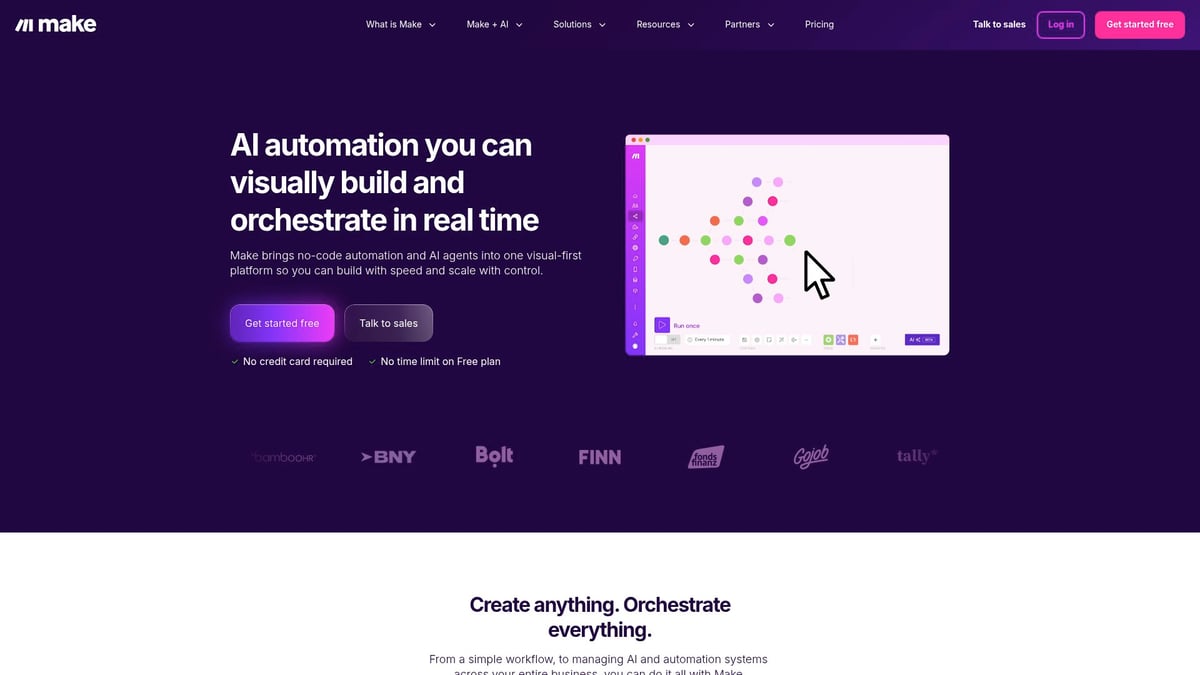
Make stands out for its visual, drag-and-drop approach to workflow automation. Pricing includes a free tier, with paid plans starting at $9/month and enterprise options.
Core Features:
- Visual scenario builder with drag-and-drop logic
- Ready-made templates for common workflows
- Real-time execution with detailed error handling
- Advanced branching and data manipulation
Key Benefits:
- Enables rapid prototyping of complex workflows
- Highly visual, accessible for business teams
- Granular control and detailed logging
Target Audience:
Teams seeking flexible, visual creation of enterprise workflow automation tools.
Use Cases:
- Data enrichment and cleansing
- Multi-step business process automation
- Cross-departmental workflows
Pros:
- Powerful visual editor
- Affordable entry point
- Flexible scenario design
Cons:
- Learning curve for advanced logic
- Some gaps in niche app integrations
Unique Selling Point:
Visual-first approach enables anyone to design and deploy intricate enterprise workflow automation tools quickly.
UiPath
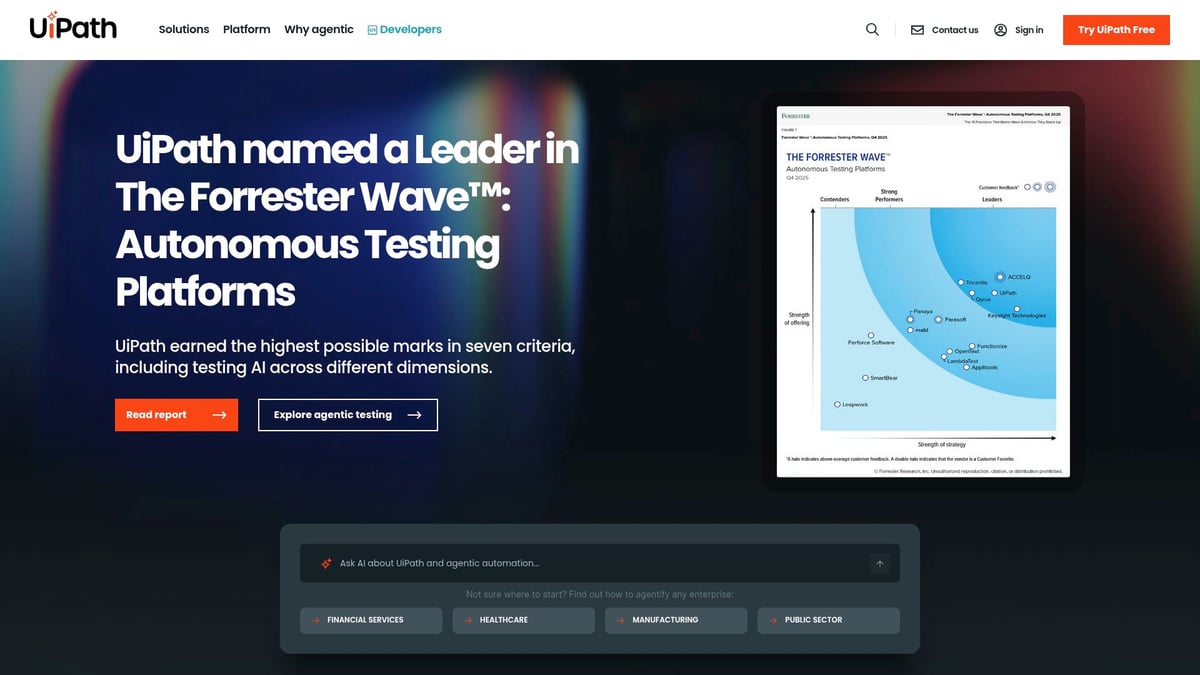
UiPath is a global leader in robotic process automation (RPA), offering a free Community Edition and custom-priced enterprise plans.
Core Features:
- RPA for repetitive task automation
- AI and machine learning integration
- Task mining and process analytics
- Attended and unattended bots
Key Benefits:
- Automates high-volume repetitive tasks
- Integrates easily with legacy systems
- Delivers AI-driven process insights
Target Audience:
Large enterprises with complex, high-volume automation needs.
Use Cases:
- Finance and invoice processing
- HR onboarding and offboarding
- IT ticketing and compliance workflows
Pros:
- Enterprise-grade RPA
- Strong analytics and reporting
- Robust security features
Cons:
- Complex setup, requires IT involvement
- Higher learning curve for advanced automations
Unique Selling Point:
Industry-leading platform for end-to-end enterprise workflow automation tools, combining RPA and AI.
Workato
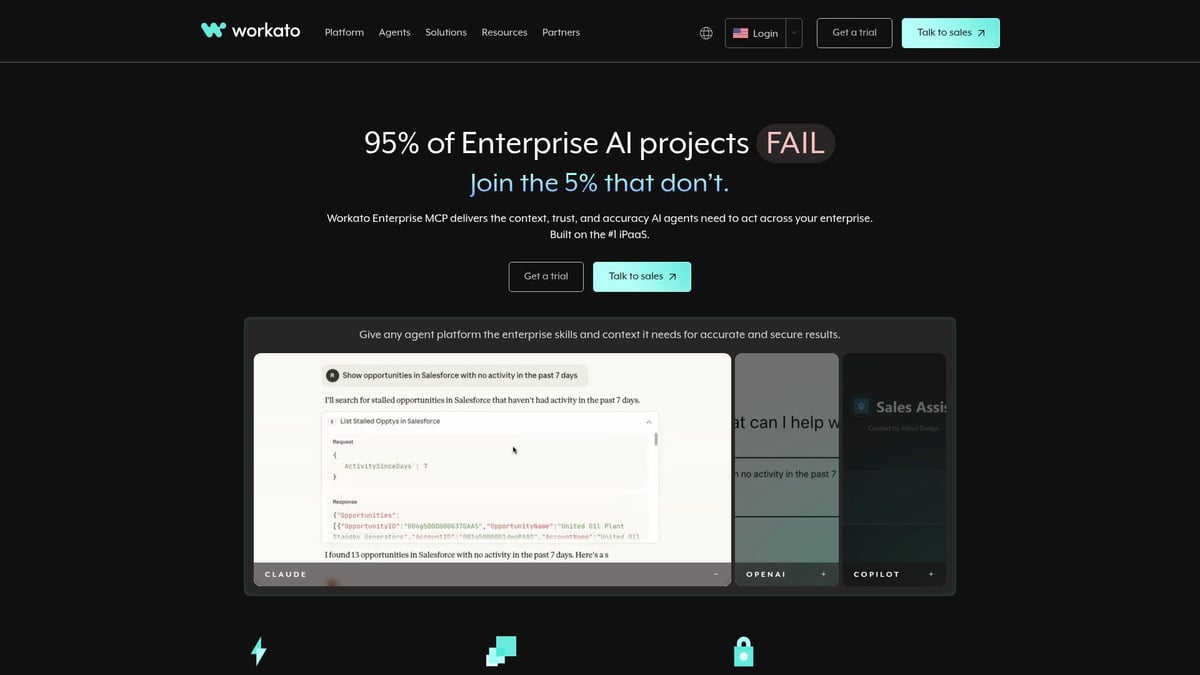
Workato is purpose-built for enterprises seeking robust integration and automation capabilities. Plans are usage-based with custom enterprise pricing.
Core Features:
- Enterprise-grade workflow and API integration
- Low-code/no-code builder for rapid deployment
- AI-powered recommendations and governance
- Extensive pre-built connectors
Key Benefits:
- Unifies cloud and on-premises apps
- Handles complex business logic with ease
- Strong focus on security and compliance
Target Audience:
Enterprises with diverse, interconnected systems and strict compliance requirements.
Use Cases:
- Sales and marketing automation
- IT process orchestration
- Finance and real-time data workflows
Pros:
- Powerful integration engine
- Scalable to complex enterprise needs
- Extensive connector library
Cons:
- Higher initial setup complexity
- Pricing may not fit smaller businesses
Unique Selling Point:
Brings integration and automation together, enabling seamless enterprise workflow automation tools for any scale.
Kissflow
Kissflow is an all-in-one business process automation platform. Pricing starts at $18/user/month, with custom enterprise packages.
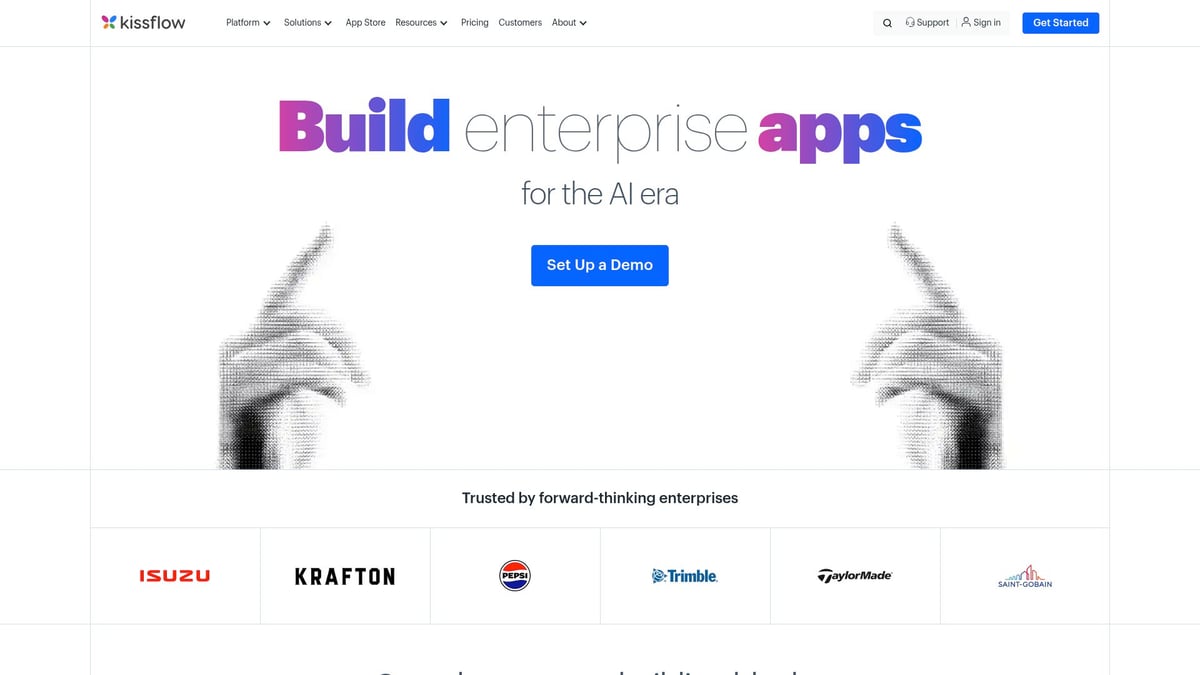
Core Features:
- Drag-and-drop workflow builder
- Process management and analytics
- Form creation and app integration
- Customizable templates
Key Benefits:
- Streamlines business processes for any department
- Empowers non-technical users to automate workflows
- Comprehensive reporting and analytics
Target Audience:
Mid-sized to large enterprises focused on business process automation.
Use Cases:
- Procurement and vendor management
- HR and finance approvals
- Internal service requests
Pros:
- User-friendly, fast deployment
- Flexible and customizable templates
- Supports a wide range of business processes
Cons:
- Some limitations for highly complex workflows
- Integration depth may vary for niche systems
Unique Selling Point:
All-in-one platform for managing and automating business processes without code, perfect for enterprise workflow automation tools.
Quick Comparison Table
| Tool | No-Code/Low-Code | AI Integration | Self-Hosting | Real-Time Sync | Pricing Model |
|---|---|---|---|---|---|
| Big House Technologies | Yes | Yes | No | Yes | Flexible/Custom |
| n8n | Yes (pro-code) | Yes | Yes | Yes | Free/Cloud/Custom |
| Stacksync | Yes/Pro-code | Limited | Yes | Yes | Custom Enterprise |
| Zapier | Yes | Limited | No | No | Free/Paid/Enterprise |
| Make | Yes | Limited | No | Yes | Free/Paid/Enterprise |
| UiPath | No (RPA) | Yes | Yes | Yes | Free/Custom |
| Workato | Yes | Yes | No | Yes | Usage-Based/Custom |
| Kissflow | Yes | Limited | No | No | Per User/Custom |
When evaluating enterprise workflow automation tools, consider your organization's integration needs, technical skill levels, scalability requirements, and long-term ROI. Each platform above offers unique strengths, ensuring there's an ideal fit for every digital transformation journey.
Key Features to Look for in Enterprise Workflow Automation Tools
Selecting the right enterprise workflow automation tools can make or break your digital transformation. With dozens of platforms on the market, it is essential to focus on the core features that drive real business value. Let us break down the top criteria you should consider before making a decision.
Integration Capabilities and Ecosystem
Modern enterprises run on a complex web of apps and systems. The best enterprise workflow automation tools offer seamless integration with both cloud and on-prem environments. Look for tools with hundreds of pre-built connectors for platforms like Salesforce, HubSpot, and SAP.
Support for APIs, webhooks, and custom integrations is vital for connecting unique business processes. For example, Stacksync delivers real-time two-way sync, while n8n boasts over 800 integrations. If you want a deeper dive into evaluation criteria, check out this helpful guide on how to choose the right no-code platform.
| Tool | Pre-built Integrations | API Support | Notable Feature |
|---|---|---|---|
| n8n | 800+ | Yes | Open-source, flexible |
| Stacksync | Custom | Yes | Real-time sync |
| Zapier | 6,000+ | Yes | No-code friendly |
Security, Compliance, and Governance
Security is non-negotiable for enterprise workflow automation tools. Leading solutions are SOC 2, GDPR, and HIPAA compliant, ensuring your data stays protected. Look for role-based access controls, audit logs, and encrypted credential management.
Vendors should provide transparency with certifications and regular independent security audits. For instance, n8n offers SOC 2 compliance and customizable RBAC, while UiPath is trusted for enterprise-grade security. These features are crucial for meeting regulatory requirements and protecting sensitive workflows.
Scalability and Performance
Your automation needs today may look very different in a year. Enterprise workflow automation tools must handle millions of records, spikes in usage, and high-throughput demands. Features like queueing, multi-instance scaling, and automatic failover are essential.
Real-time processing is a game-changer for mission-critical operations, while batch processing might suffice for less time-sensitive tasks. Stacksync’s real-time event queues and n8n’s queue mode are prime examples of platforms designed for scale and reliability.
Usability, Support, and Community
Even the most powerful enterprise workflow automation tools fall short if teams cannot use them effectively. No-code or low-code interfaces empower business users, while robust documentation and active communities help technical teams troubleshoot and innovate.
Look for solutions offering onboarding support, templates, and vibrant user forums. Zapier stands out for its intuitive builder, while n8n’s open-source community fosters collaboration and learning. Quality support ensures your automation journey stays on track, regardless of your team’s skill level.
How to Successfully Implement Workflow Automation in Your Enterprise
Successfully launching enterprise workflow automation tools involves more than just choosing the right platform. Enterprises must focus on strategy, people, and continuous improvement to unlock the full benefits of automation.
Strategic Planning and Stakeholder Buy-In
Start by aligning your enterprise workflow automation tools initiative with clear business objectives. Involve stakeholders from IT, operations, and business units early in the process. This ensures buy-in, uncovers potential roadblocks, and allows you to set measurable KPIs for success.
Define the scope of automation, prioritize processes that will deliver the highest ROI, and set a phased rollout plan. Enterprises that connect their automation strategy to tangible outcomes often see greater adoption and sustained investment.
Change Management and Training
Change can be daunting, so proactively manage the transition to enterprise workflow automation tools. Address user resistance by fostering a culture of innovation and openness.
Provide comprehensive training and resources for both technical and non-technical staff. Leveraging how no-code empowers non-technical teams can accelerate adoption and help business users build workflows themselves. Offer ongoing support through documentation, webinars, and internal champions to maintain momentum.
Continuous Optimization and Scaling
Implementation does not end at go-live. Monitor the performance of your enterprise workflow automation tools using analytics and logging features to track ROI and identify bottlenecks.
Iterate by refining workflows based on real-time data, then scale successful automations across more departments. Encourage teams to share best practices and leverage insights dashboards for ongoing improvements, ensuring automation delivers continuous business value.
Real-World Case Studies
Leading organizations are already realizing significant gains from enterprise workflow automation tools. For example, Vodafone and Fullscript leveraged automation to streamline processes, cut operational costs, and boost productivity.
Their success demonstrates that with the right approach, enterprises can achieve measurable impact. Lessons learned from their journeys highlight the importance of planning, training, and continuous optimization for long-term results.
Future Outlook: The Next Wave of Enterprise Automation
The horizon for enterprise workflow automation tools in 2026 looks brighter than ever. Organizations can expect a wave of innovations that will reshape how businesses operate, collaborate, and compete. Let’s explore the trends that will define the next era of automation.
AI, Machine Learning, and Intelligent Agents
AI is transforming enterprise workflow automation tools from simple rule-based systems into adaptive, predictive engines. Next-generation platforms harness machine learning to analyze data, identify patterns, and trigger actions without human intervention. Intelligent agents can now manage approvals, detect anomalies, and optimize workflows in real time.
For example, some platforms offer natural language processing to interpret user requests, while others use AI to recommend process improvements. The integration of AI-powered decision intelligence ensures automation delivers not just efficiency, but smarter business outcomes.
Companies adopting these advancements see fewer manual errors and gain deeper insights, making their automation efforts more strategic and less reactive.
Hyperautomation and End-to-End Orchestration
Hyperautomation is the convergence of RPA, AI, analytics, and integration in a single ecosystem. Enterprise workflow automation tools are evolving to orchestrate end-to-end processes, connecting everything from legacy systems to modern cloud apps.
With hyperautomation, organizations gain real-time visibility into every step, allowing for rapid issue resolution and continuous optimization. Tools in this space are designed to scale, handle exceptions, and adapt as business needs change.
To learn more, see how Hyperautomation and integrated ecosystems are redefining enterprise workflow automation tools for seamless, cross-departmental operations.
As a result, companies can automate complex, multi-system processes—think finance, HR, or supply chain—without losing control or compliance.
Democratization of Automation with No-Code/Low-Code
A major shift in enterprise workflow automation tools is the democratization of automation through no-code and low-code platforms. These solutions empower business users to build and refine workflows without deep technical skills.
Drag-and-drop interfaces, prebuilt templates, and guided logic make it easy for teams to automate routine tasks, freeing IT resources for more strategic work. This trend lowers the barrier to entry and accelerates digital transformation across departments.
Organizations leveraging this approach see faster ROI and greater innovation, as more employees can contribute to process improvement and automation initiatives.
Predictions for 2026 and Beyond
Looking ahead, enterprise workflow automation tools will become even more integral to business strategy. Automation will be a standard practice, not a differentiator. Expect deeper integration with emerging technologies like IoT, blockchain, and edge computing.
The roles of IT and business users will continue to evolve, with collaboration at the core of automation success. Enterprises that embrace these trends will see increased agility, resilience, and sustained competitive advantage.
In short, the future belongs to those ready to harness the full potential of automation, adapt quickly, and innovate boldly.
Ready to put all this workflow automation knowledge into action for your business? Whether you’re looking to streamline internal processes or launch new products faster, now’s the perfect time to explore no code solutions that match your 2026 goals. If you’re curious about how no code can transform your internal tools and make your team more efficient—without the usual tech headaches—I’d love for you to check out this resource: Transform Your Internal Tools with No Code. You’ll find practical insights and next steps to get started!

About Big House
Big House is committed to 1) developing robust internal tools for enterprises, and 2) crafting minimum viable products (MVPs) that help startups and entrepreneurs bring their visions to life.
If you'd like to explore how we can build technology for you, get in touch. We'd be excited to discuss what you have in mind.
Other Articles
Discover startup product development without engineers using no code and AI tools in 2026 Learn expert steps real examples and strategies for fast scalable growth
Unlock business growth in 2025 with this technological software guide Explore trends selection strategies integration tips and future proof your success
Discover how to build apps faster with AI in 2025 using Lovable.dev. Learn setup, best practices, pricing, and top alternatives to boost your development.