

The development landscape has undergone a remarkable transformation as artificial intelligence integrates deeper into our daily workflows. The cursor ai code editor represents a significant leap forward in how developers interact with their codebase, combining traditional IDE functionality with cutting-edge AI capabilities. This powerful tool has caught the attention of major tech companies and independent developers alike, fundamentally changing the speed and efficiency of software creation. For agencies working across both traditional coding and no-code platforms, understanding how AI-assisted development tools fit into the broader ecosystem has become essential for staying competitive in 2026.
What Makes Cursor AI Code Editor Stand Out
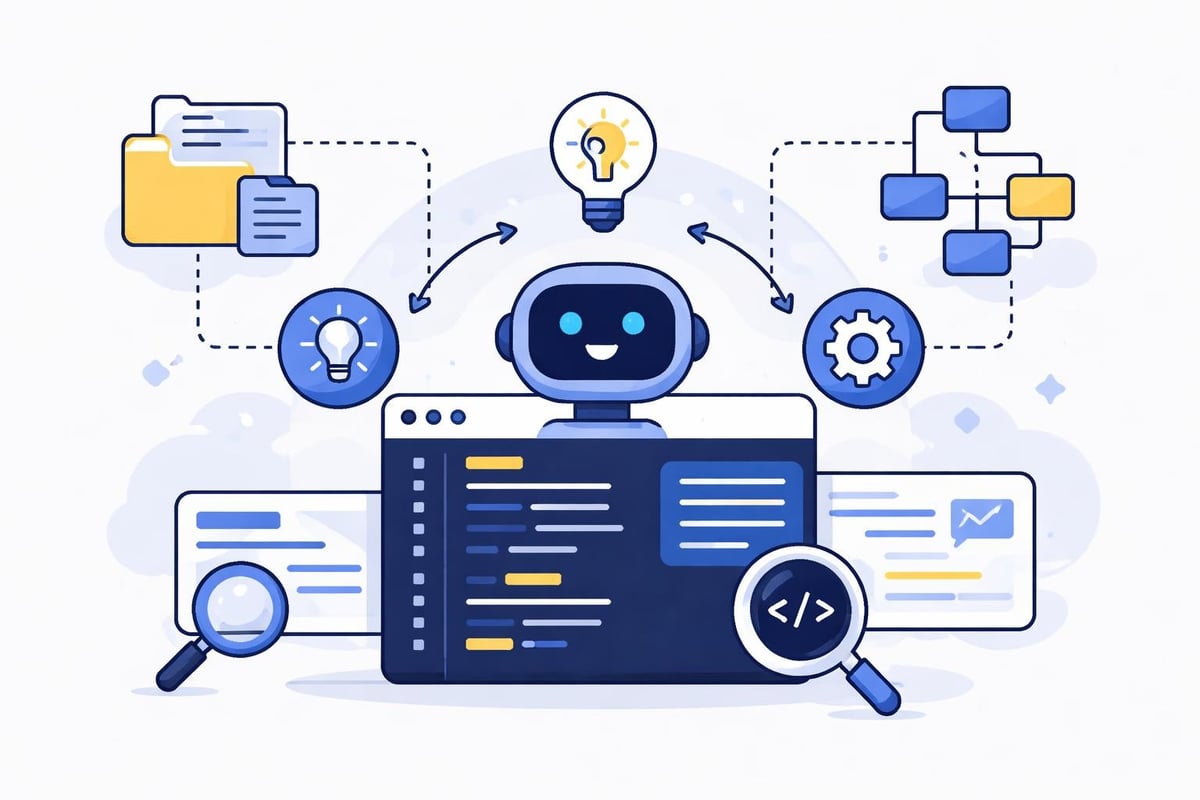
The cursor ai code editor distinguishes itself through its deep integration of artificial intelligence directly into the development environment. Unlike plugins or extensions that bolt AI functionality onto existing editors, Cursor is designed from the ground up as an AI-native development tool. This fundamental architectural decision enables smoother interactions and more contextual suggestions than retrofitted solutions.
Core Features That Drive Productivity
At its heart, the cursor ai code editor offers several distinctive capabilities that accelerate development workflows:
- Natural language code generation that translates plain English descriptions into functional code
- Contextual autocomplete that understands your entire codebase, not just the current file
- Intelligent refactoring suggestions that improve code quality automatically
- Multi-file editing with AI understanding dependencies across your project
- Inline documentation generation that creates comments and explanations on demand
The editor's ability to understand context across multiple files sets it apart from simpler autocomplete tools. When you're working on a complex feature that touches several components, the AI maintains awareness of how changes in one file affect others throughout your application.
The practical impact becomes clear when examining real-world usage statistics. According to reports, Nvidia engineers using a specialized version of Cursor commit three times as much code compared to their previous workflows. This dramatic productivity increase demonstrates that AI-assisted coding delivers measurable benefits rather than just incremental improvements.
Integration with Modern Development Workflows
The cursor ai code editor doesn't exist in isolation. It connects seamlessly with existing development tools and practices that teams have already adopted. Version control through Git works exactly as developers expect, while popular frameworks and libraries receive first-class support with enhanced AI assistance.
Supporting No-Code and Low-Code Approaches
For agencies like those specializing in no-code AI app development platforms, the cursor ai code editor serves a complementary role. While no-code platforms handle the bulk of application logic, developers often need custom code for specific integrations or advanced features. The AI editor accelerates these custom implementations without requiring deep platform-specific expertise.
This hybrid approach combines the best aspects of both worlds:
- Rapid prototyping through no-code platforms for core functionality
- Custom code generation using AI assistance for unique requirements
- Seamless integration between no-code components and custom code
- Faster iteration cycles when refining features based on user feedback
Teams working on MVP software development particularly benefit from this flexibility. The ability to quickly generate boilerplate code while focusing creative energy on unique value propositions accelerates time-to-market significantly.
Performance Considerations and Real-World Impact
The cursor ai code editor delivers impressive performance across various development scenarios. Latency remains minimal even when processing large codebases, and the AI suggestions appear fast enough to maintain natural coding flow rather than interrupting it.
| Metric | Traditional IDE | Cursor AI Code Editor | Improvement |
|---|---|---|---|
| Code completion speed | 150-300ms | 50-100ms | 2-3x faster |
| Context awareness | Current file only | Entire project | 10-100x scope |
| Refactoring suggestions | Manual search | AI-powered | 5-10x faster |
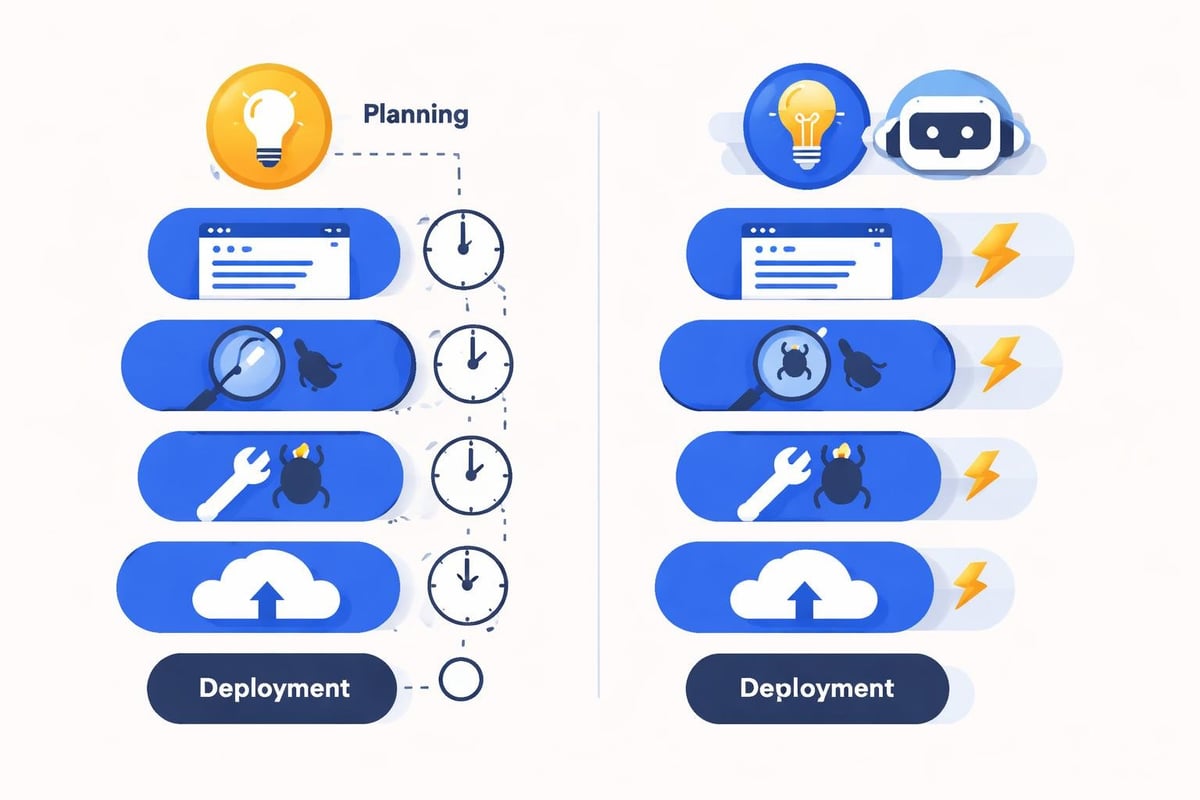
| Documentation generation | Manual writing | Automated | 20-50x faster |
Performance translates directly into developer satisfaction. The experience of having an AI assistant that genuinely understands your codebase feels fundamentally different from basic autocomplete. Developers report spending less time searching documentation and more time implementing features.
Understanding the Learning Curve
Despite its advanced capabilities, the cursor ai code editor maintains a relatively gentle learning curve. Developers familiar with Visual Studio Code will find the interface immediately recognizable, as Cursor builds upon that foundation. The official Cursor website provides comprehensive tutorials and documentation that help new users maximize the AI features quickly.
The transition period typically involves:
- Week 1: Basic familiarization with AI autocomplete and simple suggestions
- Week 2: Learning to use natural language prompts effectively
- Week 3: Leveraging multi-file context and advanced refactoring
- Week 4+: Developing personal workflows that maximize AI assistance
Most developers report reaching comfortable proficiency within two weeks, with productivity gains becoming noticeable almost immediately.
Comparing AI Coding Assistants
The cursor ai code editor competes in a crowded market of AI coding assistant alternatives, each offering distinct advantages. Understanding these differences helps teams choose the right tool for their specific needs.
Feature Comparison Matrix
| Feature | Cursor | GitHub Copilot | Other AI Tools |
|---|---|---|---|
| Standalone IDE | Yes | No (extension) | Varies |
| Full codebase context | Excellent | Good | Fair |
| Natural language editing | Advanced | Basic | Limited |
| Multi-file refactoring | Native | Limited | Minimal |
| Custom model training | Available | No | Rarely |
The standalone nature of the cursor ai code editor provides architectural advantages. Rather than working within the constraints of an extension API, Cursor can deeply integrate AI throughout every aspect of the development experience. This enables features like intelligent debugging assistance and AI-powered code review that feel native rather than added on.
Privacy and security considerations deserve attention when evaluating AI coding tools. The cursor ai code editor offers both cloud-based and local processing options, allowing enterprises to choose the deployment model that matches their security requirements. This flexibility proves crucial for organizations handling sensitive codebases or working under strict compliance regulations.
Practical Applications Across Development Scenarios
The cursor ai code editor shines in diverse development contexts, from solo projects to large team collaborations. Understanding where it delivers maximum value helps teams integrate it effectively into their workflows.
Accelerating Custom Integration Development
When building on platforms like Bubble or Lovable, developers frequently need custom integrations that extend beyond native capabilities. The cursor ai code editor excels at generating API integration code, data transformation logic, and custom UI components. This acceleration proves particularly valuable when working with scalable backend options for Bubble that require custom middleware or advanced data processing.
The AI understands common integration patterns and can suggest complete implementations based on brief descriptions:
- API authentication flows with proper error handling
- Data validation and transformation pipelines
- Webhook receivers with secure signature verification
- Custom database queries optimized for performance
Teams report completing integration work in hours rather than days, with the AI handling boilerplate while developers focus on business logic.
Supporting Design-to-Code Workflows
Modern development increasingly involves translating design specifications into functional code. Similar to AI-based design to code tools, the cursor ai code editor can interpret design descriptions and generate appropriate implementation code. This capability bridges the gap between design and development teams, reducing miscommunication and iteration cycles.
When converting Figma designs or mockups into code, developers can describe the visual elements and interactions in natural language, receiving structured code that implements those specifications. This approach complements established processes for turning Figma designs into software by accelerating the implementation phase.
Enterprise Adoption and Scalability
Large organizations have rapidly embraced the cursor ai code editor, recognizing its potential to multiply developer productivity. The widespread adoption at Nvidia demonstrates that AI-assisted coding scales effectively even for complex, mission-critical development work.
Managing Team Collaboration
The cursor ai code editor supports collaborative development through several mechanisms:
- Shared context understanding across team members working on the same codebase
- Consistent code style enforcement through AI-powered suggestions
- Knowledge transfer as the AI learns from senior developers' patterns
- Onboarding acceleration for new team members who can leverage AI assistance
Code review processes transform when AI assistance is available. Junior developers produce code closer to senior-level quality from the start, reducing review cycles and freeing experienced developers to focus on architecture and complex problem-solving.
Organizations building internal dashboards and tools find particular value in the cursor ai code editor's ability to rapidly generate CRUD operations, form validations, and data visualization components. These common patterns benefit greatly from AI assistance, allowing small teams to build comprehensive internal tools quickly.
Cost and Licensing Considerations
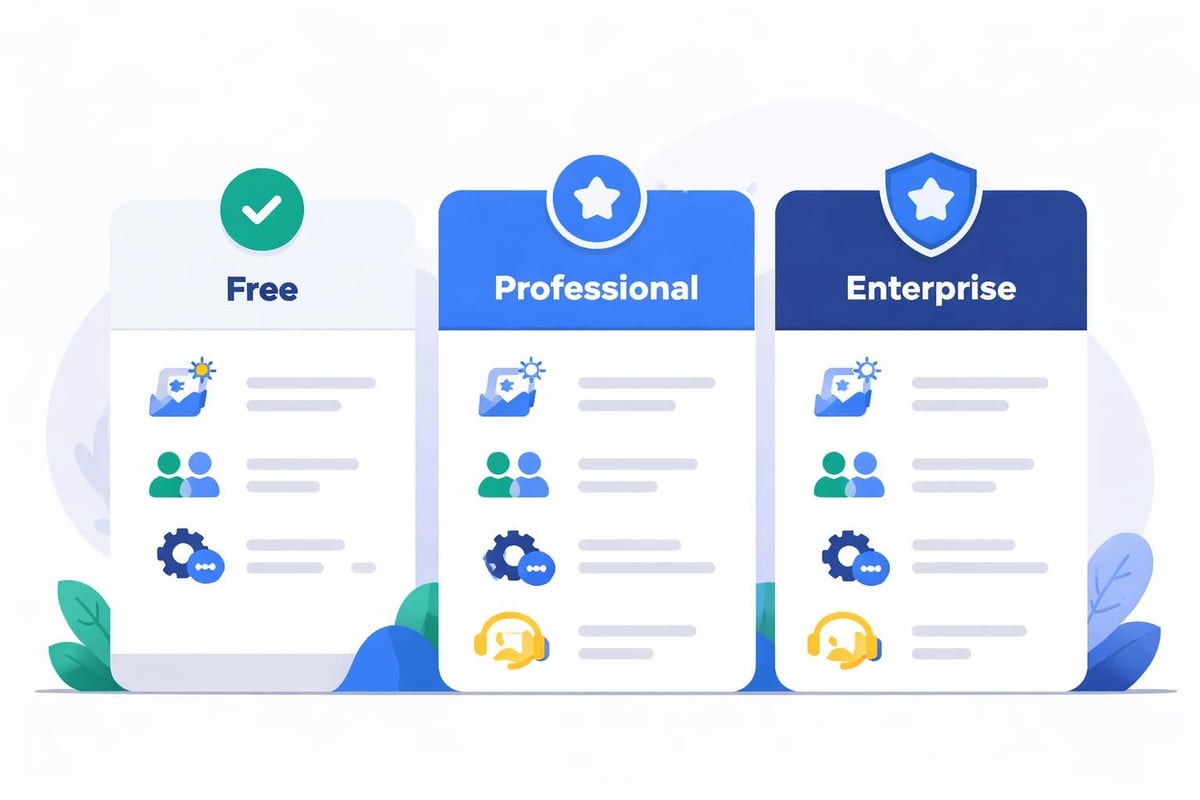
The cursor ai code editor operates on a subscription model with several tiers designed for different use cases. Individual developers can start with a free tier offering limited AI completions, while professional and enterprise plans provide unlimited usage and additional features.
Evaluating Return on Investment
When calculating ROI, organizations should consider:
- Direct time savings from faster code completion and generation
- Reduced debugging time through AI-suggested fixes and improvements
- Lower training costs as AI assistance helps developers learn new frameworks
- Faster feature delivery enabling quicker response to market demands
Most teams report breaking even on subscription costs within the first month, with ongoing productivity gains delivering substantial value. The investment becomes particularly attractive when compared to traditional approaches requiring larger development teams or extended timelines.
Future Directions and Ecosystem Growth
The cursor ai code editor continues evolving rapidly as AI technology advances. The development team regularly ships updates adding new capabilities and refining existing features based on user feedback. The active GitHub community contributes to this evolution through bug reports, feature requests, and discussions about best practices.
Integration with Emerging Technologies
Looking ahead to the rest of 2026 and beyond, several trends will likely shape the cursor ai code editor's development:
- Deeper integration with AI models beyond code completion into architecture design
- Enhanced testing capabilities that generate comprehensive test suites automatically
- Visual development modes combining no-code interfaces with AI-generated code
- Cross-platform deployment assistance for web, mobile, and desktop applications
The convergence of AI coding assistants with vibe coding approaches suggests a future where developers describe desired outcomes at increasingly high levels of abstraction, with AI handling implementation details.
Best Practices for Maximizing Value
Getting the most from the cursor ai code editor requires developing effective usage patterns. Experienced users have identified several strategies that significantly enhance productivity and code quality.
Writing Effective AI Prompts
The quality of AI assistance correlates directly with prompt clarity. When requesting code generation or refactoring, consider these guidelines:
- Be specific about requirements including edge cases and error handling
- Provide context about the broader application architecture and patterns
- Specify constraints such as performance requirements or library preferences
- Request explanations when learning new concepts or debugging issues
Developers who treat the AI as a collaborative partner rather than a simple autocomplete tool achieve significantly better results. Engaging in back-and-forth dialogue about implementation approaches often reveals better solutions than accepting the first suggestion.
Maintaining Code Quality Standards
While the cursor ai code editor generates high-quality code, maintaining standards requires active developer oversight:
- Review all AI-generated code before committing to version control
- Establish team conventions that the AI can learn and apply consistently
- Create custom snippets for organization-specific patterns and practices
- Monitor technical debt even though AI assistance reduces its accumulation
Teams working on AI software development projects find that combining human expertise with AI assistance creates a powerful synergy. The AI handles repetitive patterns while developers focus on creative problem-solving and architectural decisions.
Security and Privacy in AI-Assisted Development
Enterprise adoption of the cursor ai code editor requires careful attention to security implications. Organizations handling sensitive code or operating under regulatory constraints need clear understanding of how their data flows through AI systems.
Data Handling and Protection
The cursor ai code editor provides multiple options for managing code privacy:
- Cloud processing with enterprise-grade encryption and access controls
- Local AI models that process code entirely on-premises without external transmission
- Hybrid approaches using cloud AI for non-sensitive code and local processing for proprietary logic
- Custom model training on organization-specific codebases without sharing external data
Compliance teams appreciate the transparency around data handling. Clear documentation explains what code snippets get processed, how long they're retained, and what controls exist for managing sensitive information. This transparency enables informed risk assessment and appropriate deployment decisions.
The cursor ai code editor represents a fundamental shift in how developers interact with code, combining powerful AI capabilities with familiar IDE functionality to dramatically accelerate development workflows. As AI assistance becomes increasingly sophisticated, the boundary between traditional coding and no-code development continues to blur, creating new opportunities for rapid application development. Whether you're building custom integrations, developing MVPs, or creating enterprise-scale applications, Big House Technologies helps organizations leverage both AI-assisted coding tools and no-code platforms to deliver high-quality solutions faster and more cost-effectively than traditional development approaches.

About Big House
Big House is committed to 1) developing robust internal tools for enterprises, and 2) crafting minimum viable products (MVPs) that help startups and entrepreneurs bring their visions to life.
If you'd like to explore how we can build technology for you, get in touch. We'd be excited to discuss what you have in mind.
Other Articles
Discover six top lovable alternative picks for 2026 Compare features pricing and pros to find the best platform for your app or AI project and boost productivity
Discover the best chat gpt app picks for 2025 Compare top features pricing and real world use cases to find the perfect AI chatbot for your needs
Learn how replit com python helps developers build, test, and deploy Python applications quickly with cloud-based tools, AI assistance, and collaboration.