
In today’s business landscape, data-driven decision-making is more than a buzzword, it is a necessity for organizations aiming to stay competitive. Teams now rely on fast, accurate insights to guide every move.
That is why the best tools for building internal dashboards have become mission-critical. With the right dashboard, your team can visualize trends, analyze metrics, and take action in real time, all from a single source of truth.
This article explores eight essential solutions shaping how companies build, customize, and scale internal dashboards in 2026. Get ready to discover features, pricing, and expert tips to help you choose the perfect fit for your organization.
Key Criteria for Selecting Internal Dashboard Tools
Choosing the best tools for building internal dashboards requires a careful look at several key criteria. The right solution empowers teams to visualize data, adapt to business needs, and scale as demands grow. Let’s break down what to prioritize when evaluating your next dashboard platform.
Customization & Flexibility
When searching for the best tools for building internal dashboards, customization is a top concern. Teams need drag-and-drop layouts, custom widgets, and brand-specific themes to ensure dashboards match their unique workflows.
Support for adaptable designs allows organizations to create dashboards that reflect their processes, rather than forcing teams to adjust to rigid templates. For example, custom filters and drill-downs help users explore data at different levels of detail.
According to Gartner (2024), 78% of enterprises cite customization as their main priority when choosing dashboard solutions. Many are turning to no-code platforms for internal tools to speed up iteration and reduce reliance on IT.
Data Integration Capabilities
A major factor in choosing the best tools for building internal dashboards is seamless data integration. Your dashboard should connect effortlessly to databases, APIs, and cloud services, minimizing manual data wrangling.
Look for platforms that offer both native connectors and options for custom integrations. This flexibility ensures you can bring together information from Salesforce, Google Sheets, SQL, and beyond.
Real-time and batch data update support are essential for keeping insights fresh. Tools with broad integration capabilities often save teams hours by automating data collection and reducing errors.
User Experience & Accessibility
A user-friendly experience is crucial in the best tools for building internal dashboards. Intuitive drag-and-drop interfaces enable anyone, regardless of technical skill, to build and explore dashboards.
Responsive design ensures dashboards look great on desktop and mobile, supporting teams wherever they work. Role-based access control adds a layer of security, letting you share the right data with the right people.
Forrester (2025) found that 64% of users abandon tools that feel overly complex. Self-serve dashboards empower non-technical users to gain insights without bottlenecks, driving higher adoption.
Scalability & Performance
The best tools for building internal dashboards must scale as your organization grows. Platforms should handle increasing data volumes and more concurrent users without slowing down.
Cloud-based solutions often provide auto-scaling infrastructure, while on-premise tools may require manual upgrades. Real-time dashboards for enterprise operations demand high performance and reliability.
Choosing a scalable tool prevents expensive migrations down the road. As your team expands, the right platform will grow with you, supporting new users and data sources seamlessly.
8 Essential Best Tools for Building Internal Dashboards in 2026
Selecting the best tools for building internal dashboards can make or break your data strategy in 2026. Below, we review eight essential solutions that empower teams to visualize, analyze, and act on real-time data. Each tool offers unique strengths, so consider your organization's needs as you explore these options.
Big House Technologies
Big House Technologies stands out among the best tools for building internal dashboards, blending no-code speed with AI-driven innovation. Its flexible pricing includes Basic, Growth, and Enterprise plans, all available with custom quotes. Teams can create dashboards up to five times faster and cut costs by three to four times compared to traditional methods.
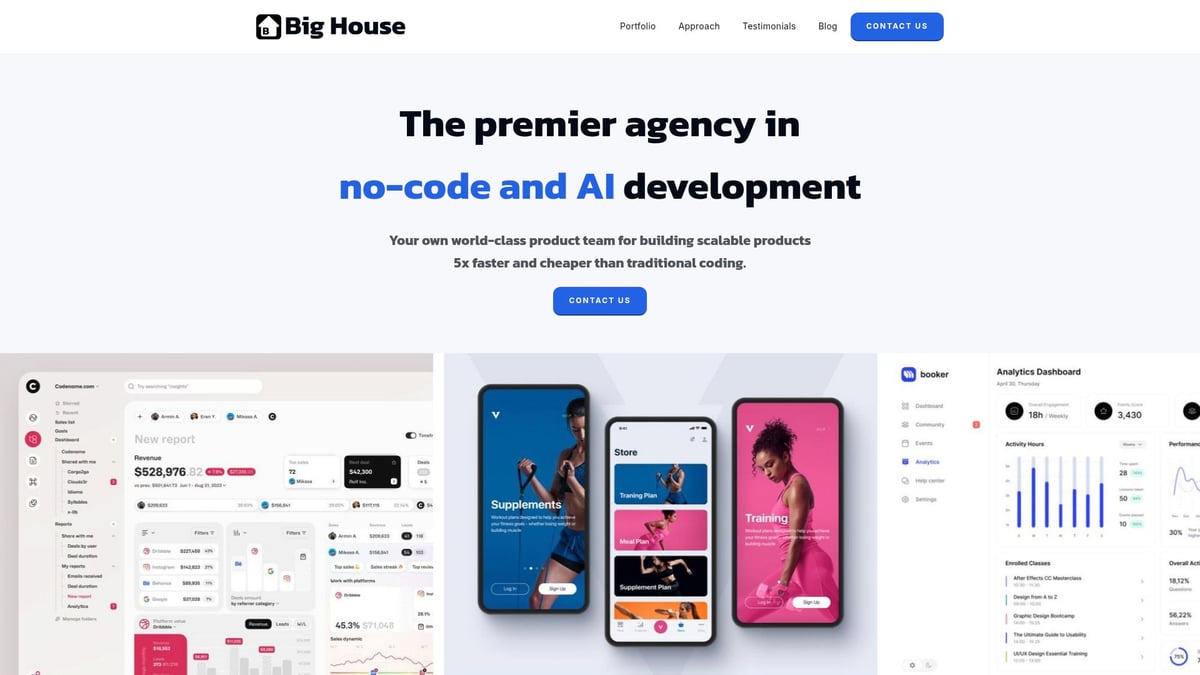
Key features include rapid prototyping, end-to-end development, and seamless custom internal tool creation. The platform's expert team ensures tailored solutions, making it ideal for startups and enterprises needing scalable dashboards. Pros include no-code accessibility, robust AI features, and a full-service approach, while the main downside is that highly specialized code-level customization may require more advanced tools.
If you want to explore more enterprise-ready options, check out this Enterprise-grade dashboard builders guide for a broader comparison. Big House Technologies is a top pick for organizations needing rapid, scalable solutions.
Metabase
Metabase is one of the best tools for building internal dashboards that democratizes data access across organizations. It offers an open-source free version, a Pro plan starting at $500 per month, and custom Enterprise pricing. Its simple query builder and interactive dashboards make it easy for non-technical users to extract insights.
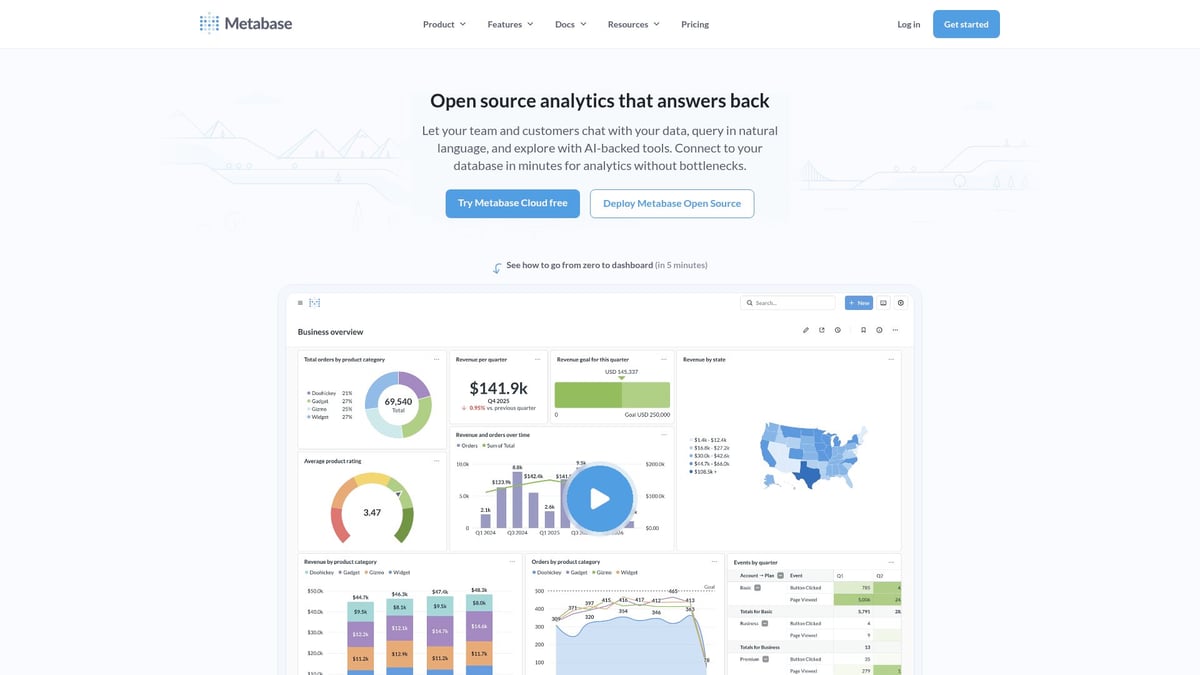
Metabase supports extensive data connectors, allowing seamless integration with popular databases and cloud services. Teams can self-host or use the cloud option, benefiting from strong community support and a user-friendly interface. The free tier is a significant advantage, though advanced analytics are more limited compared to full BI suites, and scaling may require extra resources.
Ultimately, Metabase is perfect for SMBs to large enterprises focused on self-serve analytics and quick dashboard deployment.
Microsoft Power BI
Microsoft Power BI remains a staple among the best tools for building internal dashboards, especially for organizations already invested in the Microsoft ecosystem. Pricing starts with a free version, then Pro at $10 per user/month, and Premium at $20 per user/month or more.
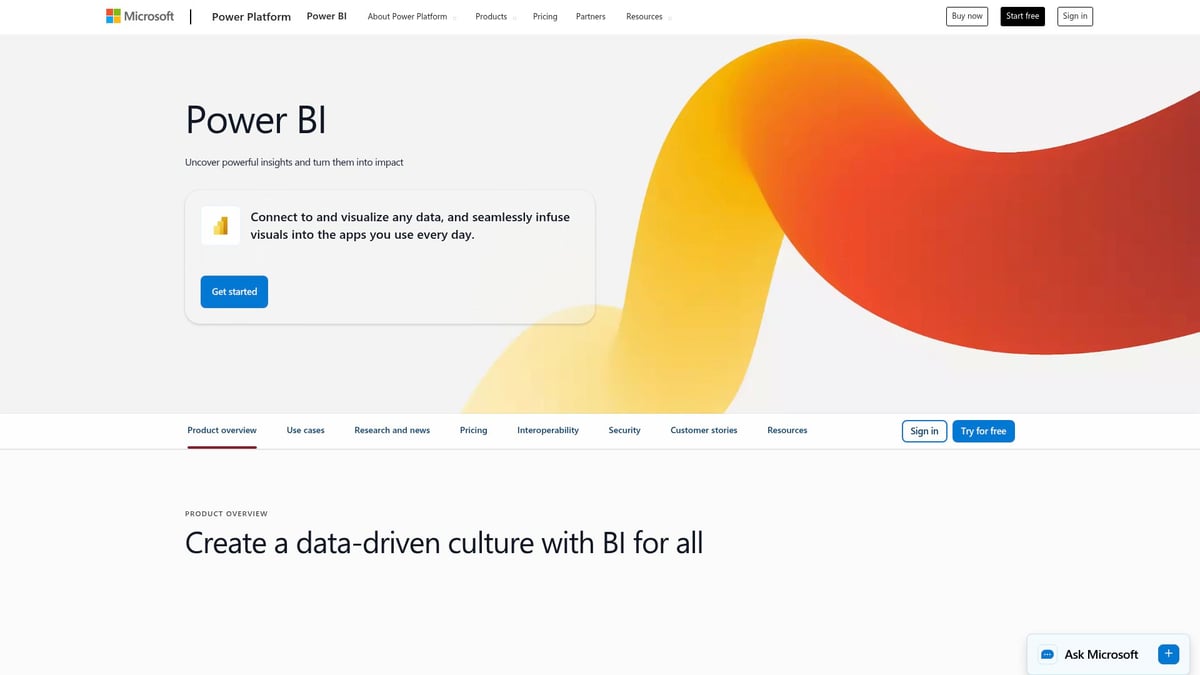
It delivers rich visualizations, AI-powered insights, and seamless integration with Excel, Teams, and other Microsoft 365 tools. Enterprise-grade security and real-time analytics ensure robust data modeling. Power BI's main strengths are scalability and extensive learning resources, but advanced features can come with a steep learning curve and complex pricing structures for large teams.
For enterprises seeking deep integration and security, Power BI is a natural fit.
Retool
Retool is recognized as one of the best tools for building internal dashboards for developers and product teams. Its free tier is perfect for small projects, while Team and Business plans scale up at $12 and $50 per user/month, respectively, with custom enterprise pricing available.
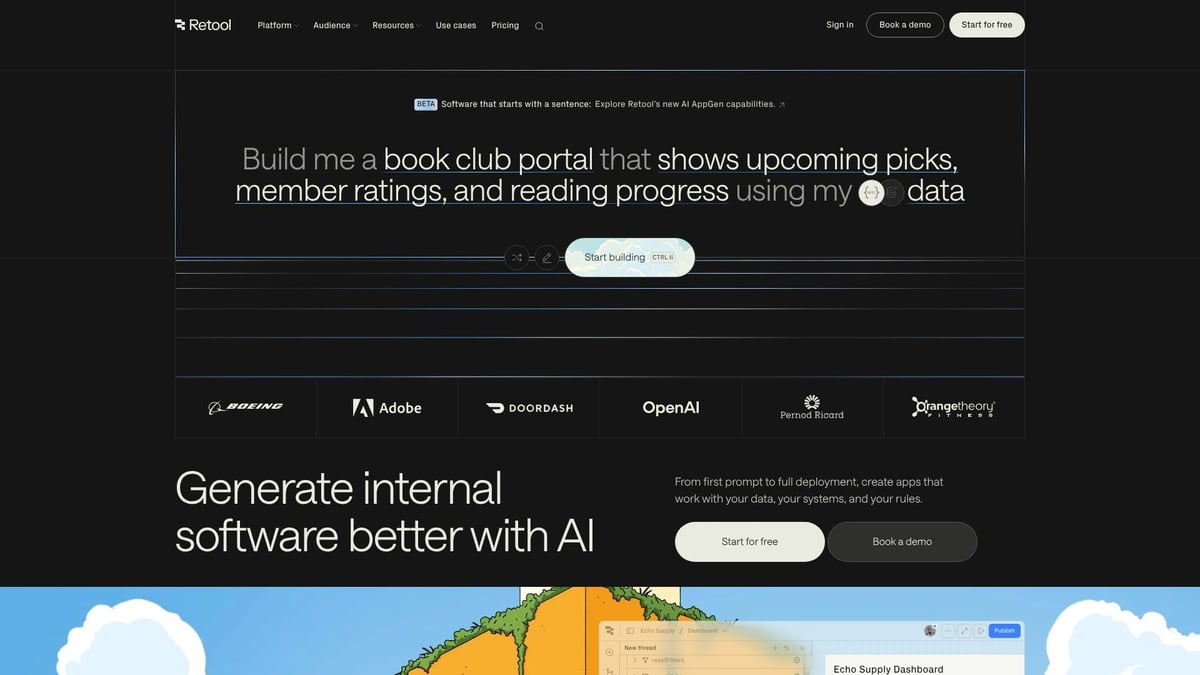
With a drag-and-drop app builder, over 50 data connectors, and support for custom code, Retool enables rapid dashboard development. It offers flexibility for technical teams needing custom internal tools. Pros include high customizability and integration with almost any data source. However, some technical knowledge is required, and costs can add up as usage grows.
Retool bridges the gap between low-code speed and developer-level control, making it a standout choice.
Tableau
Tableau consistently ranks as one of the best tools for building internal dashboards, renowned for its unmatched visualization and analytical power. Pricing is tiered: Viewer at $15, Explorer at $42, and Creator at $70 per user/month.
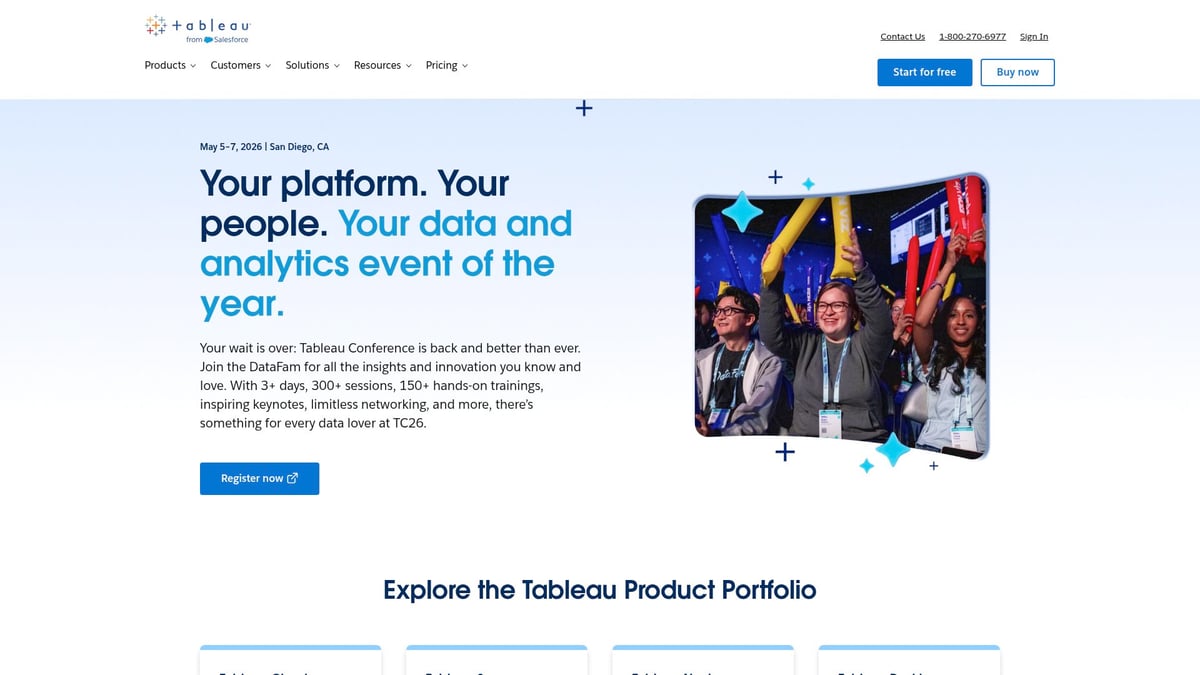
Tableau offers advanced analytics, interactive dashboards, and a vast array of visualization options. Its industry leadership is supported by a robust community and powerful data storytelling capabilities. The main drawbacks are a higher price point and a steeper learning curve, especially for beginners.
Organizations with complex BI requirements and a focus on data-driven storytelling will find Tableau hard to beat.
Looker Studio
Looker Studio, formerly known as Data Studio, is among the best tools for building internal dashboards, especially for teams using Google Cloud. It offers a free version and enterprise-grade Looker with custom pricing.

Key features include real-time data, collaborative dashboards, and tight integration with Google Analytics, Sheets, and BigQuery. Looker Studio excels in ease of sharing and cloud-native access. The free tier is a strong advantage, but advanced features are limited unless you upgrade, and it may not suit highly complex data modeling.
For marketing and analytics teams seeking seamless Google data integration, Looker Studio is a compelling choice.
ClicData
ClicData is a comprehensive option among the best tools for building internal dashboards, offering plans from Personal at $79 to Enterprise with custom pricing. It functions as an end-to-end BI platform, featuring data warehousing, automation, and white-labeling.
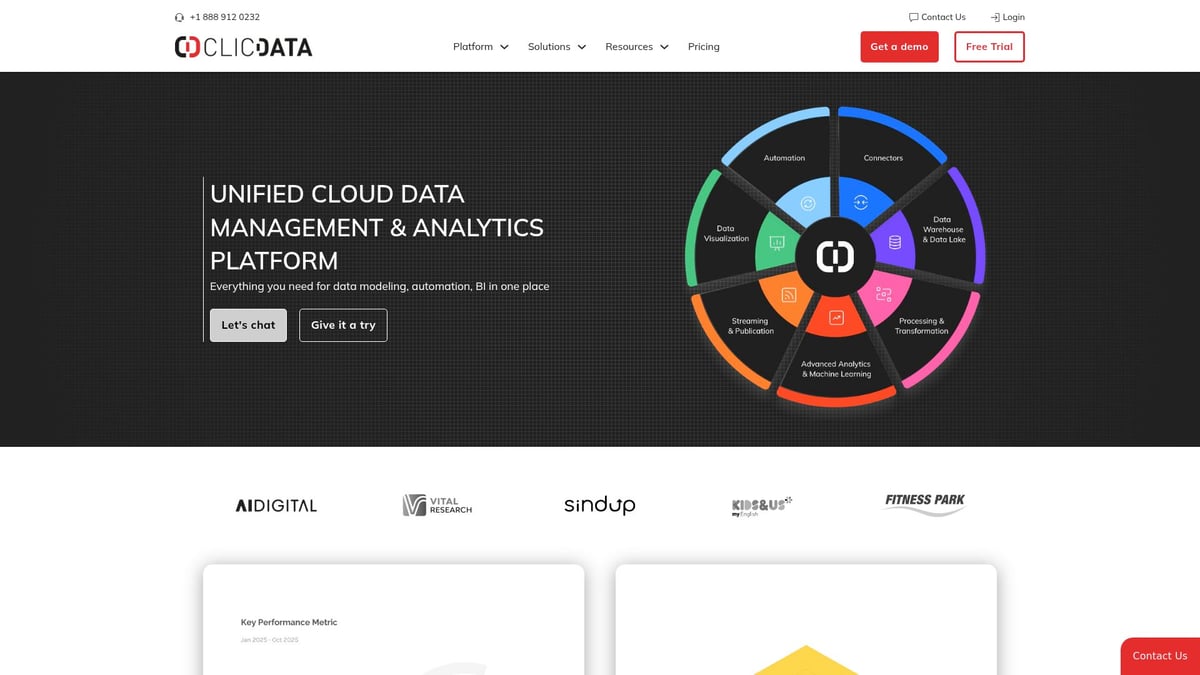
ClicData automates data refreshes, provides customizable dashboards, and supports embedding for agencies and enterprises. Data preparation tools and scalable plans are major pros, while the higher entry price and learning curve may deter smaller teams. ClicData's unique value lies in combining data management, visualization, and automation for a seamless experience.
Geckoboard
Geckoboard rounds out our list of the best tools for building internal dashboards, focusing on live KPI tracking and team visibility. Pricing begins at $49 for Essential, $99 for Pro, with custom enterprise plans available.
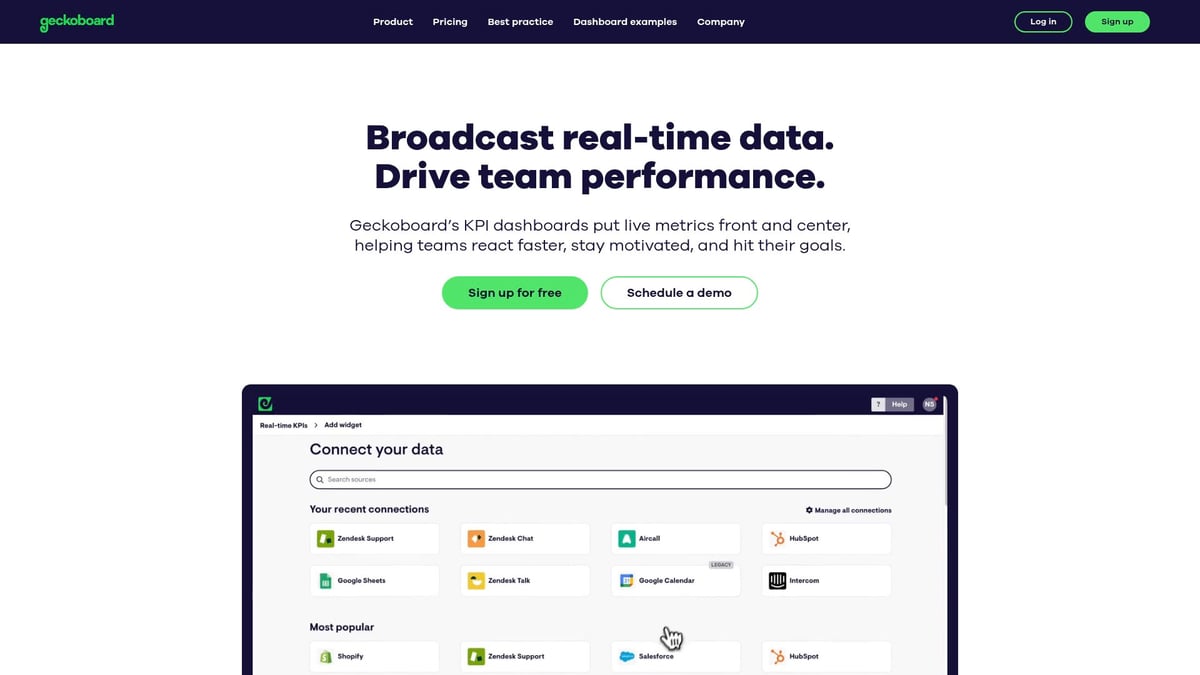
It offers 80+ data integrations, TV display support, and a simple UI for fast deployment. Geckoboard is ideal for customer support, sales, marketing, and operations teams needing real-time performance tracking. Pros include visual clarity and public sharing, while cons are limited customization compared to full BI tools.
If you want a straightforward way to visualize and share team KPIs, Geckoboard is an excellent choice.
Future Trends in Internal Dashboard Development
As organizations look ahead to 2026, the best tools for building internal dashboards are rapidly evolving to meet new business needs. Four major trends are shaping the future of dashboard development: AI integration, no-code platforms, embedded analytics, and advanced security. Let’s break down what each means for your business.
AI-Driven Insights & Automation
AI is transforming the best tools for building internal dashboards by enabling predictive analytics, anomaly detection, and smart automation. Modern platforms now offer AI-powered recommendations, helping users identify trends and take action faster.
Automation is becoming standard, with features like data cleansing, enrichment, and automatic alerts. For example, sales teams can receive real-time suggestions on which leads to prioritize, while operations teams get notified of outliers instantly.
According to IDC, 60% of dashboard tools will integrate AI capabilities by 2026. This shift empowers teams to focus on strategy rather than manual data crunching, making AI a must-have in tomorrow’s dashboards.
No-Code and Low-Code Evolution
The rise of no-code and low-code platforms is democratizing access to the best tools for building internal dashboards. Business users can now create dashboards using drag-and-drop interfaces and prebuilt templates, without waiting on IT.
This trend accelerates innovation, allowing teams to launch MVP dashboards quickly and iterate as needs change. Integration is also key—platforms that connect easily to various data sources streamline the entire process. Learn more about effective integration strategies for no-code dashboards in this guide on integration platforms for no-code dashboards.
These advancements are breaking down barriers, empowering non-developers to visualize and act on data in ways that were previously out of reach.
Embedded Analytics & Customization
Another future trend is embedding analytics directly into internal apps and workflows. The best tools for building internal dashboards are enabling teams to create white-labeled dashboards, ensuring brand consistency and seamless user experiences.
Organizations can now design dashboards tailored to different departments, such as HR or sales, and integrate them within the apps employees use daily. According to G2, 45% of enterprises are embedding analytics into business applications, making real-time insights accessible where decisions happen.
Customization is also on the rise, allowing for unique layouts, filters, and features that match each team’s workflow.
Data Security & Governance
Data security and governance are becoming central to the best tools for building internal dashboards. With stricter compliance standards like GDPR and SOC2, dashboard platforms now offer enhanced role-based access, detailed audit trails, and granular permissions.
For example, financial institutions require dashboards that restrict sensitive information based on user roles, ensuring only authorized personnel can view or modify data. These features reduce risk and increase trust in dashboard solutions.
Security is fast emerging as a key differentiator, giving organizations peace of mind as they scale their internal analytics.
Best Practices for Successful Dashboard Implementation
Implementing the best tools for building internal dashboards is only the first step. To maximize their impact, organizations must follow proven best practices that ensure dashboards are relevant, actionable, and trusted by users.
Define Clear Objectives & KPIs
Begin by defining clear, measurable objectives and KPIs before deploying the best tools for building internal dashboards. Align each dashboard with your business goals and the unique needs of your end users. Avoid vanity metrics that clutter the interface and focus on actionable insights, like conversion rates or operational efficiency.
Engage stakeholders early to identify what success looks like. For example, a marketing dashboard should highlight sales conversions rather than just page views. For further guidance, review Gartner's Best Practices in Dashboard Design to ensure your dashboards drive value and adoption.
Engage Stakeholders & End Users
Successful adoption of the best tools for building internal dashboards depends on engaging both stakeholders and end users throughout the process. Involve them in requirements gathering, design reviews, and user testing to surface real-world needs and pain points.
Host workshops and training sessions to empower non-technical staff. This approach ensures dashboards are intuitive and meet daily workflow demands. Increased engagement leads to a 40 percent rise in dashboard usage, highlighting the value of collaborative development and ongoing support.
Ensure Data Quality & Consistency
Reliable data is the foundation of effective dashboards. When using the best tools for building internal dashboards, prioritize centralizing data sources and scheduling regular audits. Automated validation and error alerts help maintain accuracy and prevent outdated or misleading information from reaching users.
Set up scheduled data syncs and implement routine checks to maintain trust. Consistent, high-quality data ensures your dashboards remain a dependable resource for team decisions, driving confidence and organizational effectiveness.
Continuous Improvement & Iteration
Even after launch, the best tools for building internal dashboards require continuous improvement. Monitor usage analytics and gather user feedback to identify gaps or evolving requirements. Plan regular updates, such as quarterly reviews, to add or retire metrics as business needs shift.
Iterative enhancements keep dashboards relevant and engaging. This approach not only boosts satisfaction but also ensures your internal dashboards evolve with your organization, supporting sustained growth and ROI.
Comparing Tools: How to Choose the Right Dashboard Solution for Your Organization
Selecting the best tools for building internal dashboards can feel overwhelming, given the wide range of options and features available. The right choice depends on your organization's unique needs, technical skills, integration requirements, budget, and long-term vision. Let’s break down the most important factors to help you make an informed decision.
Assessing Organizational Needs & Technical Skills
Start by evaluating your team's technical expertise and the complexity of your data. Teams with limited coding skills may benefit most from no-code or low-code platforms, which allow users to create dashboards with minimal setup. In contrast, organizations with dedicated data teams might prefer advanced BI solutions that offer deep customization.
When considering the best tools for building internal dashboards, think about who will use the dashboards daily. For example, marketing or sales teams often need intuitive, self-serve interfaces, while data science teams may require more robust analytics capabilities. Matching the tool to your team's skill set ensures a smoother rollout and higher adoption.
Evaluating Integration & Scalability Requirements
Map out all data sources you need to connect, including databases, cloud platforms, and third-party apps. The best tools for building internal dashboards should offer seamless integration and the ability to scale as your organization grows.
If you rely on complex workflows or automation, consider platforms that integrate natively with workflow automation tools for enterprises. Also, think about user access—will you need dashboards for a handful of users or thousands? Scalable tools prevent future headaches and costly migrations.
Balancing Cost, Value, and ROI
Cost is more than just the sticker price. Review licensing fees, support costs, feature limitations, and potential hidden charges. The best tools for building internal dashboards provide a balance between affordability and long-term value.
Here’s a quick table to help compare:
| Factor | Open Source | Subscription | Enterprise BI |
|---|---|---|---|
| Upfront Cost | Low | Medium | High |
| Flexibility | Medium | High | Very High |
| Support | Community | Vendor | Dedicated |
| Scalability | Varies | Good | Excellent |
Avoid tool overload, which can drain resources and complicate workflows. As highlighted in Forbes on CX Tool Overload and Consolidation, consolidating your dashboard ecosystem can boost efficiency and ROI.
Leveraging Trials, Demos, and Community Support
Before committing, take advantage of free trials, demos, and pilot programs. Testing the best tools for building internal dashboards with your own data reveals how well they fit your real-world needs.
Explore documentation, forums, and vendor support channels. A strong user community can be invaluable for troubleshooting and sharing best practices. Pilot programs also help you validate features, performance, and user experience before a full rollout, reducing risk and ensuring long-term satisfaction.
Now that you’ve explored the top tools for building internal dashboards in 2026 and seen just how much no code and AI can speed up and simplify your workflow, maybe you’re wondering what’s actually possible for your own team. If you’re ready to see real examples and get inspired by what other founders and innovators have built, take a look at our portfolio. You’ll find projects that started as just an idea and quickly turned into powerful, scalable dashboards—no heavy coding required. Curious what you could build next

About Big House
Big House is committed to 1) developing robust internal tools for enterprises, and 2) crafting minimum viable products (MVPs) that help startups and entrepreneurs bring their visions to life.
If you'd like to explore how we can build technology for you, get in touch. We'd be excited to discuss what you have in mind.
Other Articles
Discover the future of software enterprises in 2025 with insights on trends, tech, business models, and strategies to lead and grow in a changing digital landscape.
Discover the best chat gpt app picks for 2025 Compare top features pricing and real world use cases to find the perfect AI chatbot for your needs
This blog explores the cost of hiring a Bubble developer part-time vs. full-time, based on a global survey by Big House. It covers pricing strategies, earnings, work hours, experience levels, and career aspirations, helping businesses make informed hiring decisions.